REAL LIFE. MEET REALCAL.
Your day.
Your order.
Work, life, and everything in between. Turn overlapping calendars into a plan that works for you.
Beta for iPhone & iPad · iOS 17+
More of your day.
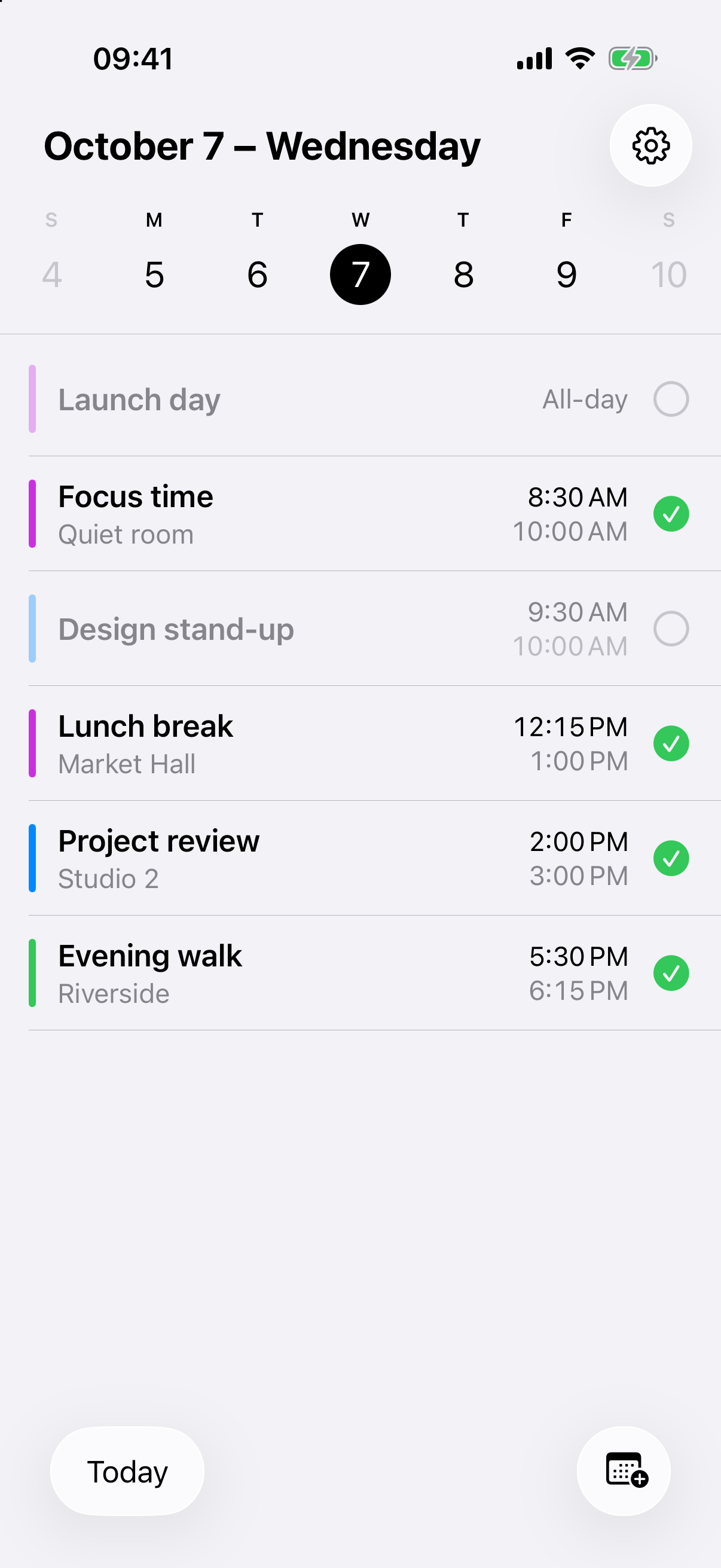
One clear plan.
THE WHOLE PICTURE
Time for your real day.
Multiple calendars. All at once. RealCal brings them together and resolves overlaps around your priorities. So you can stop jumping between calendars.
Get started in three steps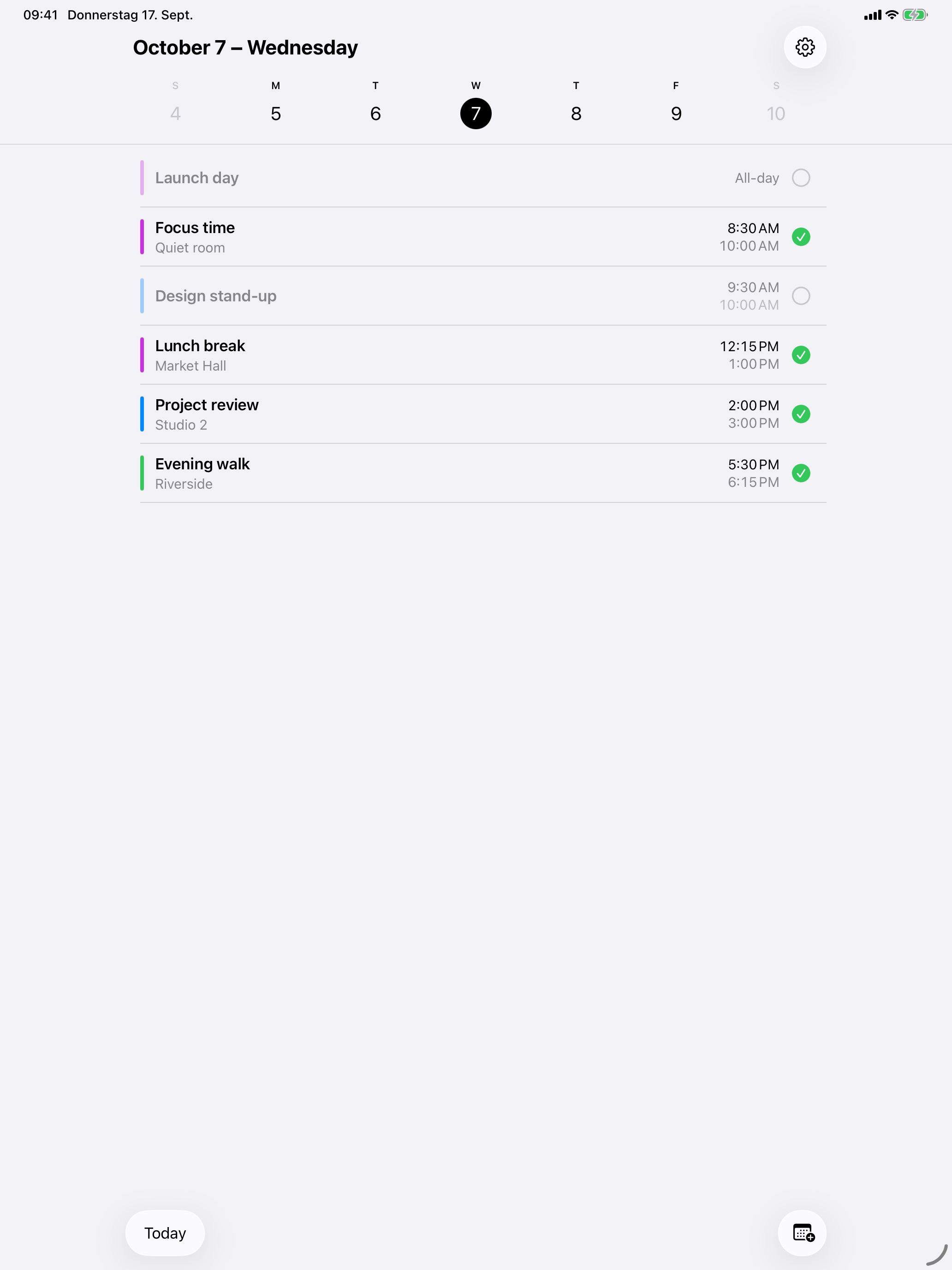
YOU HAVE THE FINAL SAY
Your priorities. Not your calendar’s.
Focus time or the next meeting? Decide which calendars come first. Review the suggestion, adjust your plan, and export only the events you actually want.
Choose. Review. Make it yours.
GETTING STARTED
Three steps. One plan.
- 01
Choose your calendars
Allow calendar access and select the sources that make up your day.
- 02
Set your priorities
Decide which calendar takes precedence when events overlap.
- 03
Review and export
Choose the events you want and send them to your destination calendar.
LOCAL BY DESIGN
Your calendar is personal.
RealCal plans locally. No RealCal account, no proprietary servers, no tracking. One important detail: your calendar provider may sync calendars and exported events.
Read about privacyCan I use RealCal yet?
You can try the beta on TestFlight. RealCal has not been released on the App Store yet.
Do I need an account?
You do not need a RealCal account. Installing the beta uses Apple’s TestFlight.
Which calendars work?
RealCal works with calendars available on your iPhone or iPad that you allow it to access. You choose your source and destination calendars.
What happens to my calendar data?
Planning happens locally on your device. Your calendar provider may sync source and destination calendars, for example through iCloud or Google.
Which devices are supported?
RealCal is made for iPhone and iPad running iOS 17 or later.
How do I get help?
Email info@realcal.app or visit our support page.
READY FOR YOUR DAY?
Less sorting. More living.
Try on TestFlightRealCal is not released yet.
App Store — coming soon ↗